
0
Clones
Built for creators who need more video, faster
Turn yourself into a video star you can reuse.
Save your face and your voice once. After that, skip the camera and make a new talking or moving video whenever you need one. Prefer a character instead of yourself? Build one from scratch and reuse that too.
0
AI UGC Characters0
Videos CreatedOne studio, two honest paths
Choose who appears on camera.
Start with a person who never existed, or use your own face and voice with consent built into the first step.
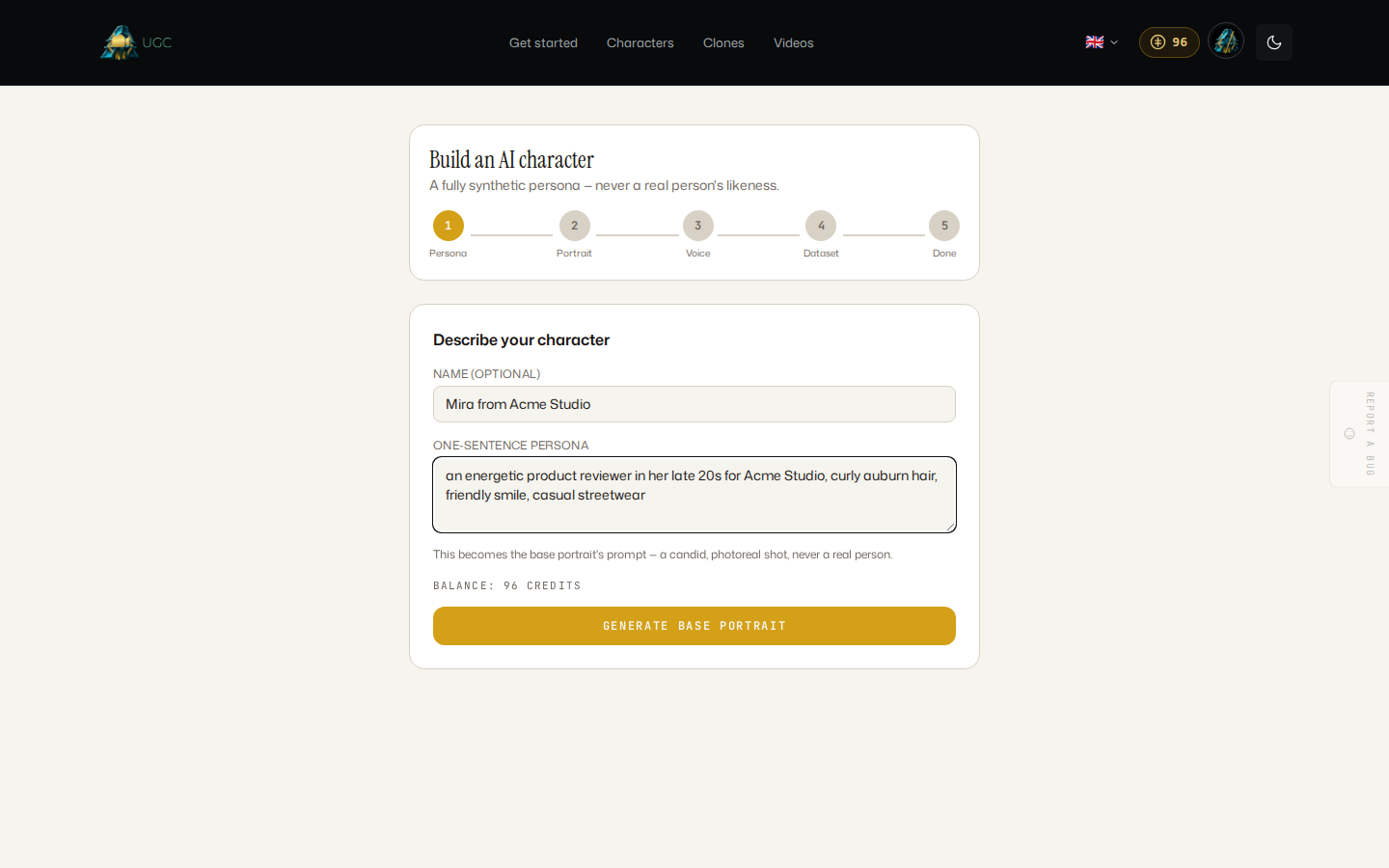
Build an AI character
Describe a person who never existed. Create a base portrait, grow a reference set, lock a voice, and reuse that character in new scenes.
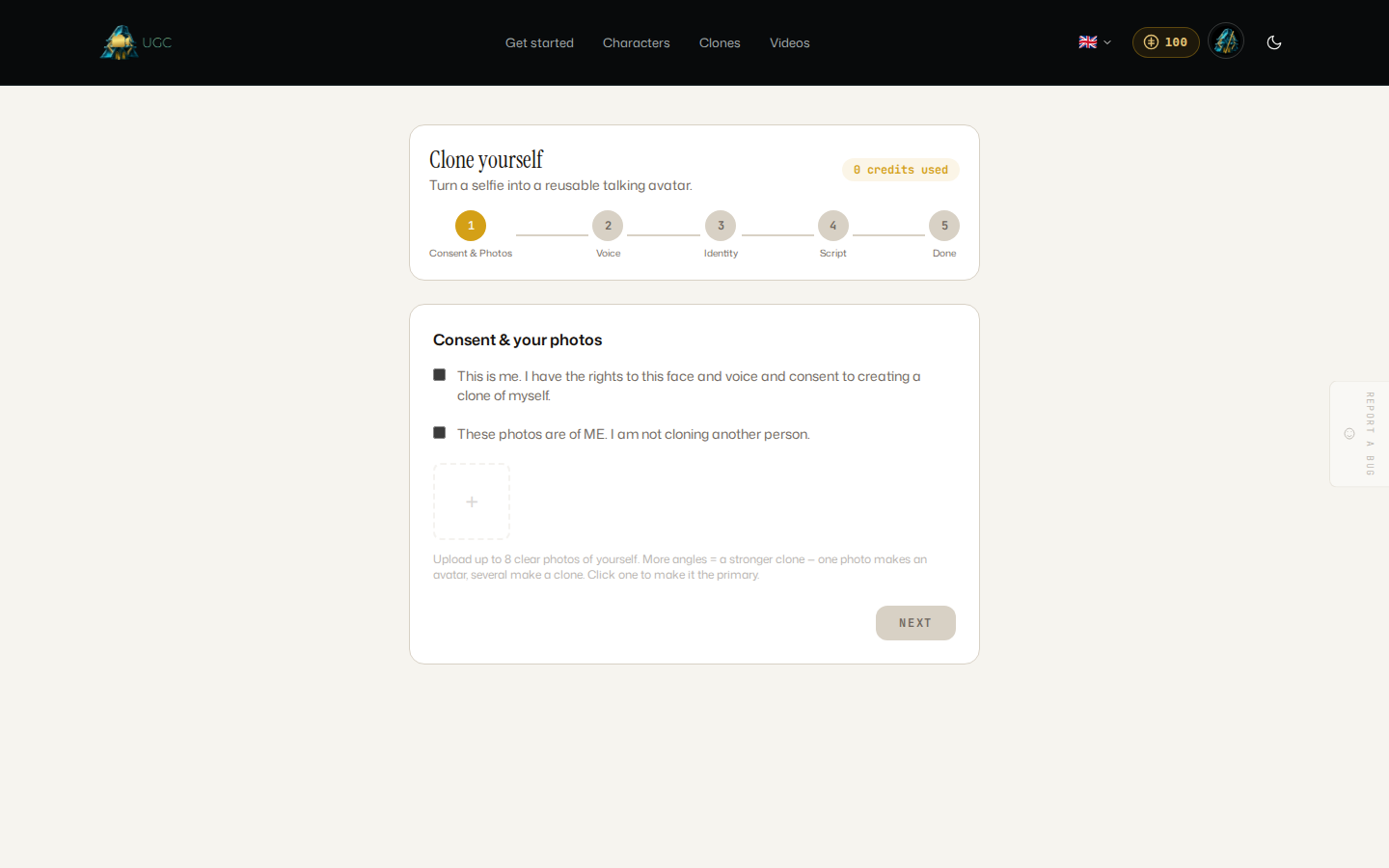
Clone yourself
Confirm the photos and voice are yours. Save your identity, then make talking videos or silent motion clips without cloning anyone else.
A believable example
One saved identity, two kinds of video.
A saved clone can speak a script in your recorded voice or appear in silent motion footage. You choose the mode and see its estimate before generation starts.
Example saved clone
My on-camera twin
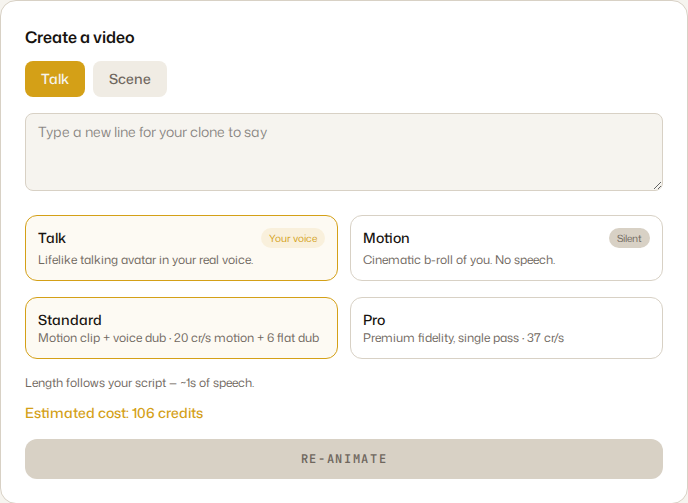
Talk
Say the script in your voice
A lip-synced talking avatar uses the voice sample saved with your clone.
Motion
Move through a silent scene
Create short cinematic footage without speech, priced by model and duration.
One clear flow
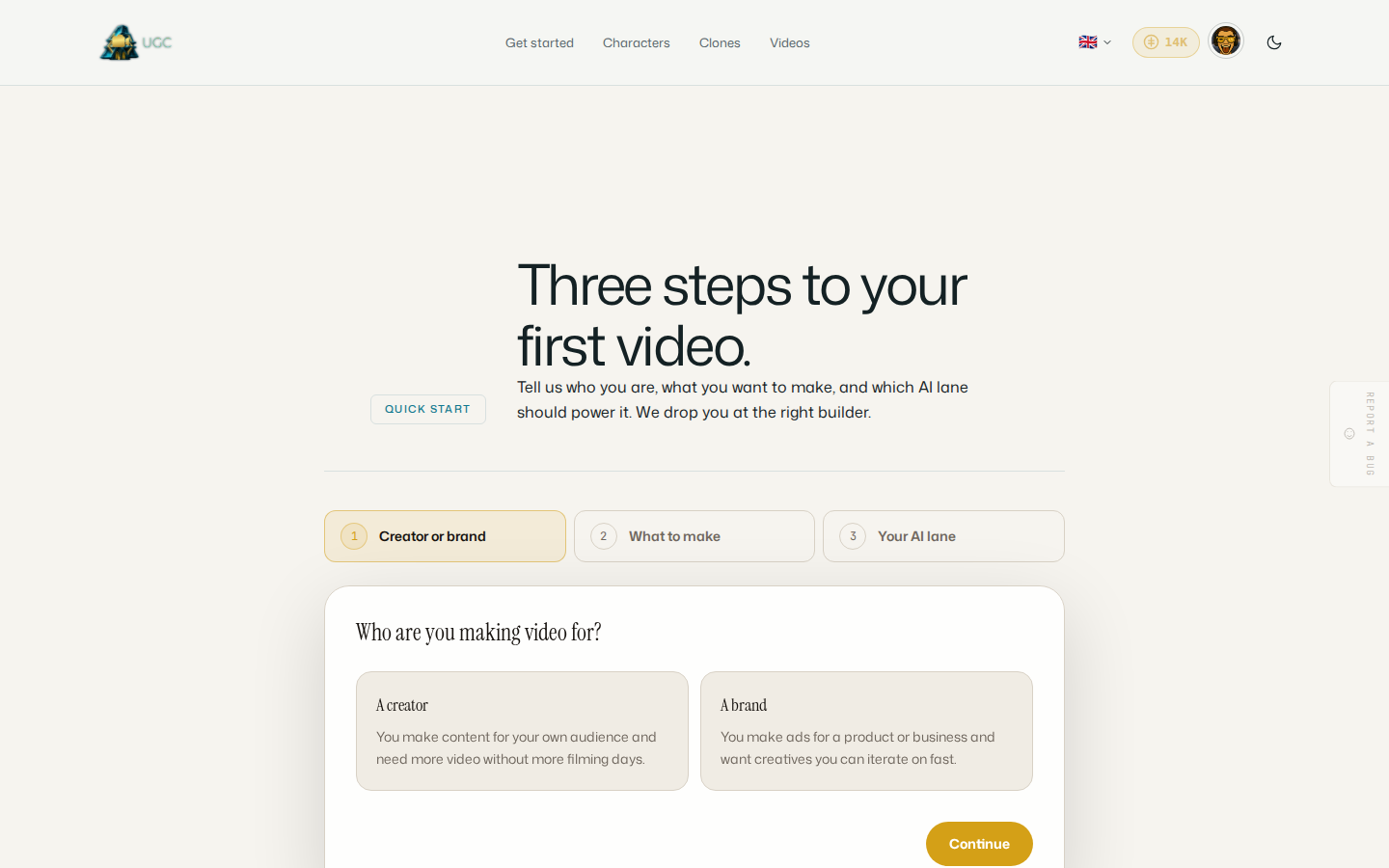
Confirm, choose, check, create.
Choose the person
Describe a synthetic character, or confirm the real photos and voice belong to you.
Build the identity
Add the portrait, reference photos, and voice needed for a consistent reusable person.
Pick Talk or Motion
Use a script and cloned voice for Talk, or make a silent moving scene with Motion.
Check and create
Review the live credit estimate, generate, and keep the result in your library.
Bring your own AI
Your creatives, generated on your own subscription.
The AI behind your scripts, characters, and video concepts can run as your own Claude, OpenAI, or Kimi account - a flat 1 credit per successful run, 0 on failure. No AI account? The DevGhouse Proxy meters you at real provider cost.
Your Claude subscription
Connect your own Claude subscription via the native OAuth device flow. Runs execute as your own account while the studio drafts scripts and shapes your next ad creative.
Flat 1 credit per successful run · 0 on failure
Your OpenAI account
Bring your own OpenAI/ChatGPT account. Generation runs on your subscription while you keep one credit balance for everything else.
Flat 1 credit per successful run · 0 on failure
Your Moonshot/Kimi account
Bring your own Moonshot/Kimi account and let it power your creative runs as your own login, billed the same flat way.
Flat 1 credit per successful run · 0 on failure
No account needed
Start creating with nothing to connect. The DevGhouse Proxy lane runs on our keys and meters you at real provider cost, charged in credits.
Real provider cost × 1.5 · 0 on failure
$1 = 100 credits, one credit balance across every DevGhouse app. On the bring-your-own lanes the flat credit pays for orchestration - your own subscription pays the provider directly. Every lane charges 0 credits on a failed run.
Pick your AI laneA simple way in
See the cost before anything starts.
Access and action costs come from operator-managed UGC settings. Each builder shows its own live estimate before you generate.
Account access
Sign in
Current access and costs appear before you create anything
$1 = 100 credits
Continue to UGCCommon questions
Know whose likeness you can use.
Can I clone someone else?+
No. The Clone Yourself flow requires you to confirm the photos and voice are yours. The other path creates a fully synthetic person instead.
What is the difference between Talk and Motion?+
Talk makes a lip-synced avatar speak your script in your cloned voice. Motion makes a silent moving clip with no speech.
How is the cost calculated?+
The selected mode, model, and duration shape the estimate. The builder shows the current credit cost before you start generation.
Can I clone myself inside a business workspace?+
Not today. Clone Yourself works in personal context because one person must attest that the likeness is theirs. Synthetic characters can also live in realm context.
Can I reuse the same person?+
Yes. Saved clones and characters stay in your library so you can use the same identity in later videos.
Keep your on-camera person ready
Make the next video without another filming day.
Choose a synthetic character or confirm it is you. Save the identity, check each estimate, and reuse it when the next idea arrives.
Clone yourself